How to Pasaload TNT / Share-a-Load in the Philippines 2026


 March 6, 2026 12:33 am
Running out of prepaid balance at the worst possible moment is something every TNT user has experienced at least once. You need to make an urgent call, send a quick text, or activate mobile data and your load is just gone. That’s exactly where TNT Pasaload, also called Share-a-Load, saves the day.
This complete 2026 guide walks you through every official method to do a TNT load transfer whether you prefer SMS, the GigaLife App, or the SIM Toolkit along with fees, daily limits, and fixes for the most common pasaload problems.
What is TNT Pasaload?
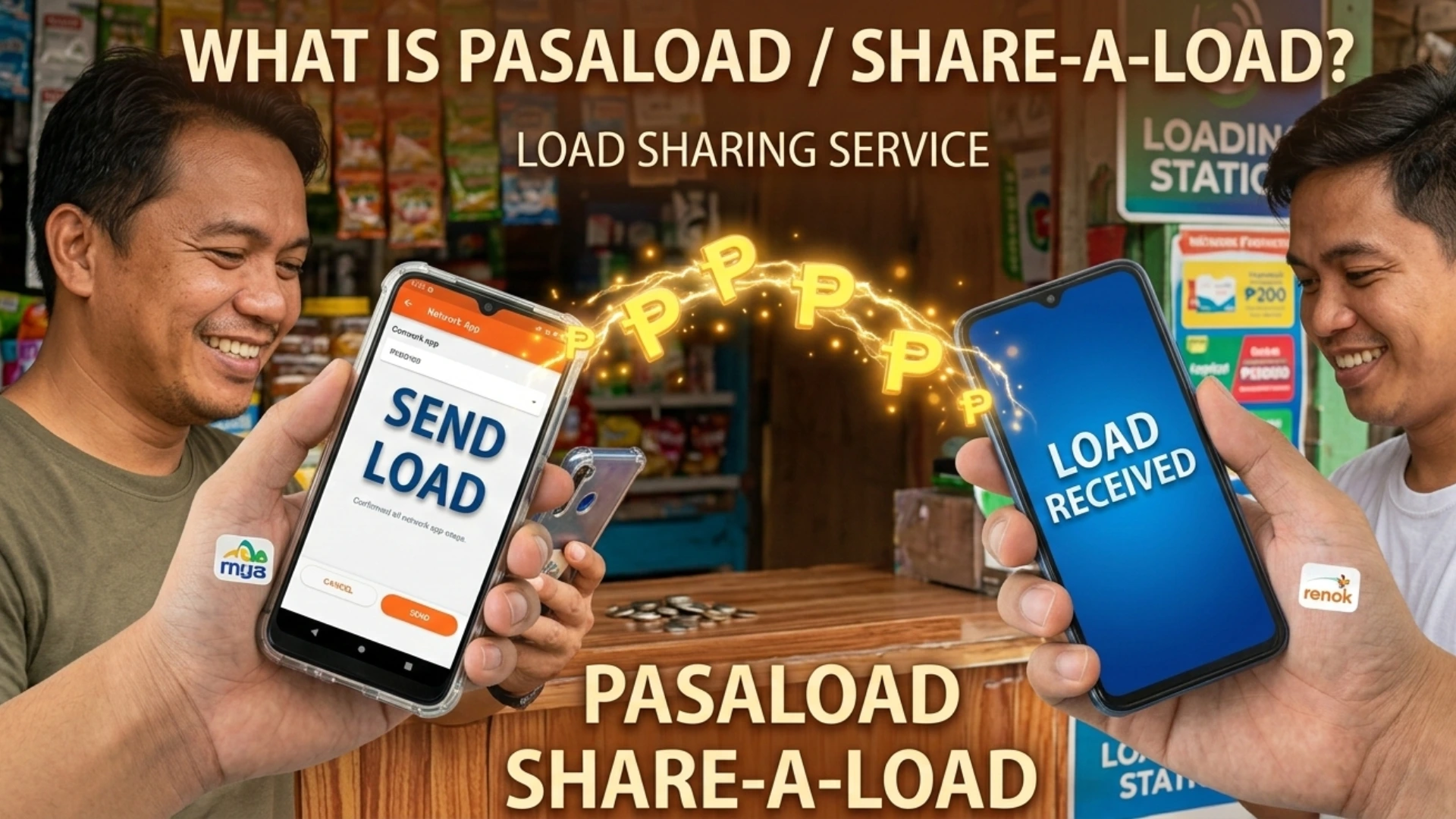
TNT Pasaload is a built-in load sharing feature for TNT prepaid SIM users that lets you send part of your mobile load directly to another TNT number no load card, no store visit, no hassle. The moment you confirm the transaction, the recipient gets the mobile balance instantly.
It’s commonly used for emergency load situations helping a family member, a friend, or a classmate who has run out of prepaid balance. Here’s what makes it stand out:
- Instant transfer :mobile load arrives in seconds
- Internet-free load transfer :works via SMS without mobile data
- Safe and secure :requires confirmation before processing
- Easy and convenient :beginner-friendly process
- Small transaction fee :usually just ₱1 deducted from sender
Only regular load can be transferred. Promo load, data bundles, and call & text promos cannot be shared.
Who Can Use TNT Share-a-Load?
Before you send load, make sure both sides meet these basic conditions:
| Requirement | Sender | Recipient |
|---|---|---|
| Network | TNT prepaid SIM | TNT prepaid SIM |
| SIM Status | Active & registered | Active & registered |
| Balance | Enough load + ₱1 fee | Not required |
| Internet | Not required | Not required |
Both TNT numbers must be registered under the Philippine SIM Registration Law. If either SIM is unregistered, the pasaload will fail immediately. Nationwide coverage means this works from any location in the Philippines.
Minimum and Maximum Pasaload Amount
TNT keeps the load transfer flexible but sets clear boundaries to prevent misuse:
| Limit Type | Amount |
|---|---|
| Minimum per transaction | ₱1 |
| Maximum per transaction | ₱200 |
| Daily sending limit | ₱500 |
Once you hit the daily limit, you must wait 24 hours before sending load again. Always make sure your remaining balance covers both the transfer amount and the ₱1 transaction fee before you begin.
How to Pasaload TNT via SMS
This is the fastest, most reliable, and most widely used method no app, no internet connection needed at all.
Step 1 :Open your Messages app Go to your phone’s default SMS app.
Step 2 :Type the correct SMS load transfer format
PASALOAD 09XXXXXXXXX 20Replace 09XXXXXXXXX with the recipient’s 11-digit TNT number and 20 with your chosen amount.
Step 3 :Send to 808 Send the message to 808.
Step 4 :Confirm transaction You’ll receive a load confirmation message asking you to approve. Reply:
YESOnce confirmed, the mobile load is deducted from your prepaid balance and the recipient receives it instantly. You’ll both get an SMS confirmation.
Quick tips:
- Always verify mobile number before hitting send — you cannot reverse a wrong number transfer
- Make sure you have enough balance including the ₱1 fee
- Confirm quickly as some approvals expire after a short time
Alternative SMS format (if the standard one doesn’t work):
09XXXXXXXXX 50Send this directly to 808 and reply YES when prompted.
How to Pasaload TNT Using GigaLife App
The GigaLife App is the official app of Smart and TNT, and it makes the entire pasaload process visual and beginner-friendly. You can download it from:
- Google Play :Android devices
- Apple App Store :iOS devices
- App Gallery :Huawei devices without Google Mobile Services
Requirements before you start:
- Active TNT prepaid SIM
- GigaLife App installed
- Stable internet connection
- Enough load balance (including fee)
- OTP verification access
Requirements
- Open GigaLife App and log in with your TNT number
- Verify with OTP sent to your mobile number
- Tap “Share Load” or find the “Pasa” menu at the bottom
- Enter recipient number :type the TNT number carefully
- Choose amount :select from available load denominations
- Confirm transaction :enter PIN if required
- Success :both sender and receiver get SMS confirmation instantly
Under the Friends tab, you can send load to linked accounts, save up to 10 favorite contacts, or manually enter any recipient’s mobile number.
Pasaload Denominations Through the GigaLife App
When using the GigaLife App to transfer load, these are the available denominations with their validity periods:
| Amount | Validity |
|---|---|
| ₱50 | 30 days |
| ₱100 | 30 days |
| ₱200 | 60 days |
| ₱300 | 60 days |
| ₱500 | 60 days |
| ₱1,000 | 60 days |
Load validity increases with higher amounts. It’s a good idea to register to a promo quickly after receiving load to avoid expiration.
TNT Pasaload Validity & Denominations
For standard SMS-based load transfers, the transferred regular load follows TNT’s default validity rules:
| Amount Range | Validity Period |
|---|---|
| ₱1 – ₱9 | 1 day |
| ₱10 – ₱99 | 3 to 15 days |
| ₱100 and above | Extended validity |
Common SMS pasaload denominations include ₱10, ₱20, ₱50, ₱100, and ₱200. Remember — only regular load balance can be transferred. Registered promo load, data bundles, and rewards points cannot be shared via Share-a-Load.
Pasaload via SIM Toolkit
If you’d rather skip typing SMS formats manually, the SIM Toolkit method is a clean offline alternative:
- Open SIM Toolkit or Smart Menu on your phone
- Select “Share Load” or “Pasaload”
- Enter recipient number
- Choose amount
- Confirm the transaction
This internet-free load transfer method works even in low-signal or data-off situations, making it ideal for students and users in remote areas.
How You Can Pasaload
Not all networks support pasaload the same way. Here’s a quick breakdown:
| Network | Pasaload Available? | Method |
|---|---|---|
| TNT | Yes | GigaLife App, SIM Menu, SMS |
| Smart | Yes | GigaLife App, SIM Menu |
| Sun (Smart-owned) | Limited | Merged with Smart services |
| Globe | Different | Similar service, different name |
| DITO | Limited/Unavailable | No direct pasaload feature |
For TNT users, the GigaLife App remains the best and most reliable option for quick load transfer in 2026.
Common TNT Pasaload Problems & Fixes
Here are the most common reasons pasaload fails and exactly how to fix each one:
Insufficient Balance You don’t have enough load to cover both the transfer amount and the ₱1 transaction fee. Fix: Check balance first, reload your number, then try again.
Wrong Number The recipient number entered is incorrect or doesn’t belong to a TNT prepaid SIM. Fix: Always verify mobile number — double-check all 11 digits starting with 09. You cannot reverse a completed transfer.
Daily Limit Reached You’ve already hit the ₱500 daily sending limit. Fix: Wait 24 hours and try again the next day.
SIM Not Registered Either the sender or recipient SIM is not registered under Philippine SIM Registration Law. Fix: Both numbers must be active and compliant before using Share-a-Load.
Network Delay During peak hours, load confirmation and transaction messages may arrive late. Fix: Wait a few minutes and avoid sending multiple requests at the same time.
Load Expired The transferred mobile balance wasn’t used or registered to a promo before the validity period ended. Fix: Use or register to a promo quickly after receiving load.
Why TNT Pasaload is Useful
From personal experience helping relatives in provinces stay connected, TNT Share-a-Load has always been the quickest solution when someone suddenly runs out of prepaid balance. No trips to a loading station, no waiting just a fast and secure SMS or a few taps on the GigaLife App.
It’s genuinely one of the most practical features for:
- Students managing tight budgets
- Families staying in touch across different areas
- Emergency load situations where every second counts
- Anyone who needs a quick load transfer without internet access
Nationwide coverage, instant transfer speed, and a beginner-friendly process make TNT Pasaload one of the most convenient prepaid features available in the Philippines today.
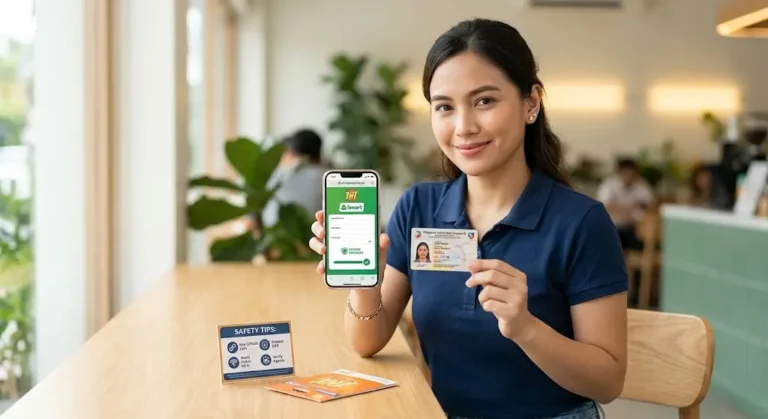
Safety Tips Before Sending Load
A few quick habits that can save you from a frustrating mistake:
- Always double-check the mobile number before sending wrong transfers cannot be reversed
- Confirm the correct amount before replying YES to the load confirmation
- Avoid sending load to unknown numbers
- Keep confirmation messages for reference in case of disputes
- Never share your OTP verification code with anyone
FAQs About TNT Pasaload
- What is TNT Pasaload / Share-a-Load?
TNT Pasaload allows TNT prepaid users to send a portion of their load to another TNT number instantly via SMS, GigaLife App, or SIM Toolkit. Only regular load can be transferred. - Who can use TNT Share-a-Load?
Both sender and recipient must have active, registered TNT prepaid SIMs under Philippine SIM Registration Law. - What is the minimum and maximum amount I can send?
- Minimum per transaction: ₱1
- Maximum per transaction: ₱200
- Daily limit: ₱500
- How do I send load via SMS?
TextPASALOAD 09XXXXXXXXX [amount]to 808 and reply YES to confirm. Ensure enough balance including ₱1 fee. - Can I use the GigaLife App?
Yes. Log in, verify with OTP, select “Share Load,” enter recipient number, choose amount, confirm, and the recipient gets the load instantly. - What about SIM Toolkit?
Open SIM Toolkit → Share Load → Enter recipient → Choose amount → Confirm. Works offline and in low-signal areas. - What causes pasaload failure?
- Insufficient balance
- Wrong number
- Daily limit reached
- Unregistered SIMs
- Network delays
- Are there safety tips?
Always double-check recipient number, confirm amount before approving, avoid unknown numbers, and keep confirmation messages for reference.
Conclusion
TNT Pasaload, or Share-a-Load, remains one of the most convenient and reliable ways to transfer prepaid load in the Philippines in 2026. Whether using SMS, the GigaLife App, or SIM Toolkit, it allows instant, safe, and beginner-friendly load sharing with family, friends, or classmates. By understanding the limits, fees, and common fixes, you can ensure smooth transactions every time. This feature is especially helpful in emergencies, for students managing tight budgets, and for families staying connected nationwide—making TNT Pasaload an essential tool for every prepaid user.