How to Switch from Smart to TNT SIM 2026


 May 16, 2026 1:41 pm
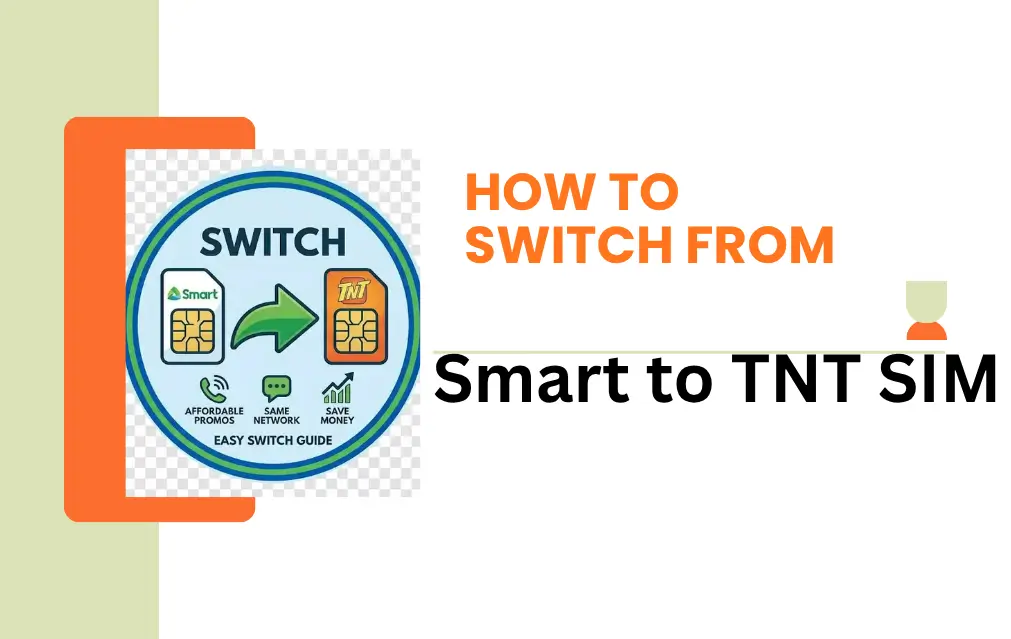
Switching from Smart to TNT SIM is one of the easiest ways to cut your mobile costs without sacrificing network quality in the Philippines. Since both brands run on the same towers, you get the same reliable connection – just with more affordable prepaid options. If you want a deeper comparison between both networks, read this detailed TNT vs Smart comparison guide.
This guide walks you through every step of the process, from getting your new SIM to troubleshooting common issues, so you can make the switch smoothly and confidently.
What is TNT SIM and Why Switch?
TNT (Talk N Text) is a prepaid mobile brand under Smart Communications. It runs on the exact same network, so your coverage and speed stay the same – but the pricing, promos, and flexibility are built for everyday budget-conscious users.
Reasons to switch from Smart to TNT:
- Affordable call, text, and data promos
- No monthly obligations – true prepaid flexibility
- Same nationwide coverage as Smart
- GCash integration for bills and money transfers
- Great for students and budget-conscious users
| Factor | Details |
|---|---|
| SIM Type | Prepaid (TNT) |
| Number Portability | Not available — new number required |
| Coverage | Same as Smart Network |
| Promotions | Frequent low-cost bundles |
| Registration | Online via TNT portal or GigaLife App |
| Required ID | Valid government-issued ID |
Switch from Smart to TNT SIM
Get a New TNT SIM
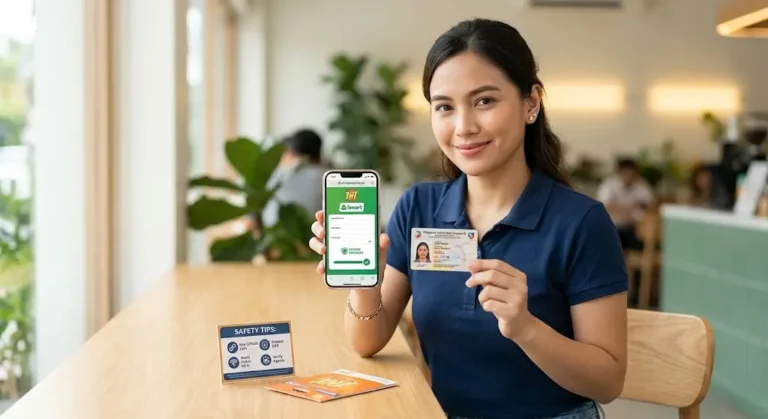
Purchase a TNT SIM from the nearest store, authorized retailer, or TNT kiosk. Make sure it is activated and ready for registration before moving forward. New users should also follow this complete TNT SIM registration guide before activation.
Prepare Your Documents
- Valid government-issued ID
- Personal details for registration
- GCash account (optional, for digital transactions)
Register Your TNT SIM
You have three ways to register:
| Method | Instructions |
|---|---|
| Online Portal | Visit TNT SIM registration page → Enter personal details → Upload valid ID → Submit. If the portal refuses to open, fix the TNT SIM registration page not loading issue first. |
| GigaLife App | Open app → Register SIM → Verify personal info → Complete registration |
| Offline / Store | Visit TNT kiosk → Fill registration form → Submit ID → Activation done |
Step 4: Verify Your Details
- An OTP will be sent to your SIM via SMS
- Enter the OTP to complete registration
- Make sure all information matches exactly what is on your ID. Users facing document verification problems can fix the TNT SIM registration invalid ID error using this guide.
Step 5: Load Your SIM
Buy a load or pick a promo for calls, SMS, or data and start using your TNT SIM right away.
Tips to Ensure Smooth Transition
- Keep your Smart SIM active during TNT registration to avoid losing connectivity
- Double-check all personal info before submitting to prevent registration errors
- Use a stable internet connection during the upload step
- Register during off-peak hours to avoid server congestion
- Transfer your contacts manually before fully deactivating your Smart SIM
If the Smart portal still fails, troubleshoot the TNT server error during registration here.
Common Issues and Fixes
| Issue | Possible Cause | Solution |
|---|---|---|
| TNT SIM registration not working | Server busy or internet slow | Refresh, retry later, or switch network |
| OTP not received | Network delay | Resend OTP and check signal strength |
| Registration error | Incorrect details entered | Verify ID and re-enter information carefully |
| GigaLife app not working | Outdated app version | Update the app from the app store |
Benefits of Switching to TNT SIM
- Lower cost – affordable calls and SMS perfect for daily use
- Prepaid flexibility – recharge only when you need to, no locked-in plans
- Nationwide coverage – same Smart towers, same reliable signal
- Frequent promos – load promos, data bundles, and special offers
- GCash integration – pay bills and send money without a separate app
FAQs
Q1: Can I keep my Smart number when switching to TNT? No. Number portability between Smart postpaid and TNT prepaid is not available. You will need a new TNT number.
Q2: Will my coverage or speed change after switching? No. TNT uses the same Smart network towers, so your coverage and speed remain exactly the same.
Q3: How long does TNT SIM registration take? Online registration takes around 5–10 minutes. Offline registration at a store may take a bit longer depending on how busy it is.
Q4: Can I use the GigaLife app with a TNT SIM? Yes. You can register your SIM, check your balance, and activate promos directly through the GigaLife app.
Q5: Do I need an ID to register a TNT SIM? Yes. A valid government-issued ID is required by law. Make sure it is current and clearly readable before you start.
Q6: Is TNT SIM good for data and internet use? Yes. TNT offers competitive data bundles and runs on Smart’s network, so internet performance is reliable across most areas in the Philippines.
Q7: What happens to my Smart SIM after I switch? Your Smart SIM remains active until you stop using or loading it. It is a good idea to keep it active during your TNT registration period to avoid any gaps in connectivity.
Conclusion
Switching from Smart to TNT SIM is a straightforward process that takes just a few minutes online or a short visit to a nearby store. You keep the same reliable Smart network coverage while gaining access to more affordable prepaid promos, GCash integration, and the freedom of no monthly obligations. Whether you are a student, an everyday user, or simply looking to cut costs, TNT is a practical and budget-friendly choice that does not compromise on quality. Just prepare your valid ID, follow the registration steps, and you are good to go.
Azlan Tareen
Azlan Tareen is a TNT SIM registration specialist with over 4 years of experience in the Philippine telecom sector. He focuses on TNT SIM activation, Smart services, APN settings, PUK codes, and mobile loading through GCash. Azlan shares practical guides to help users manage TNT services easily. Connect with him on LinkedIn or explore his telecom insights online.