TNT SIM Registration Invalid ID Error


 March 9, 2026 11:12 pm
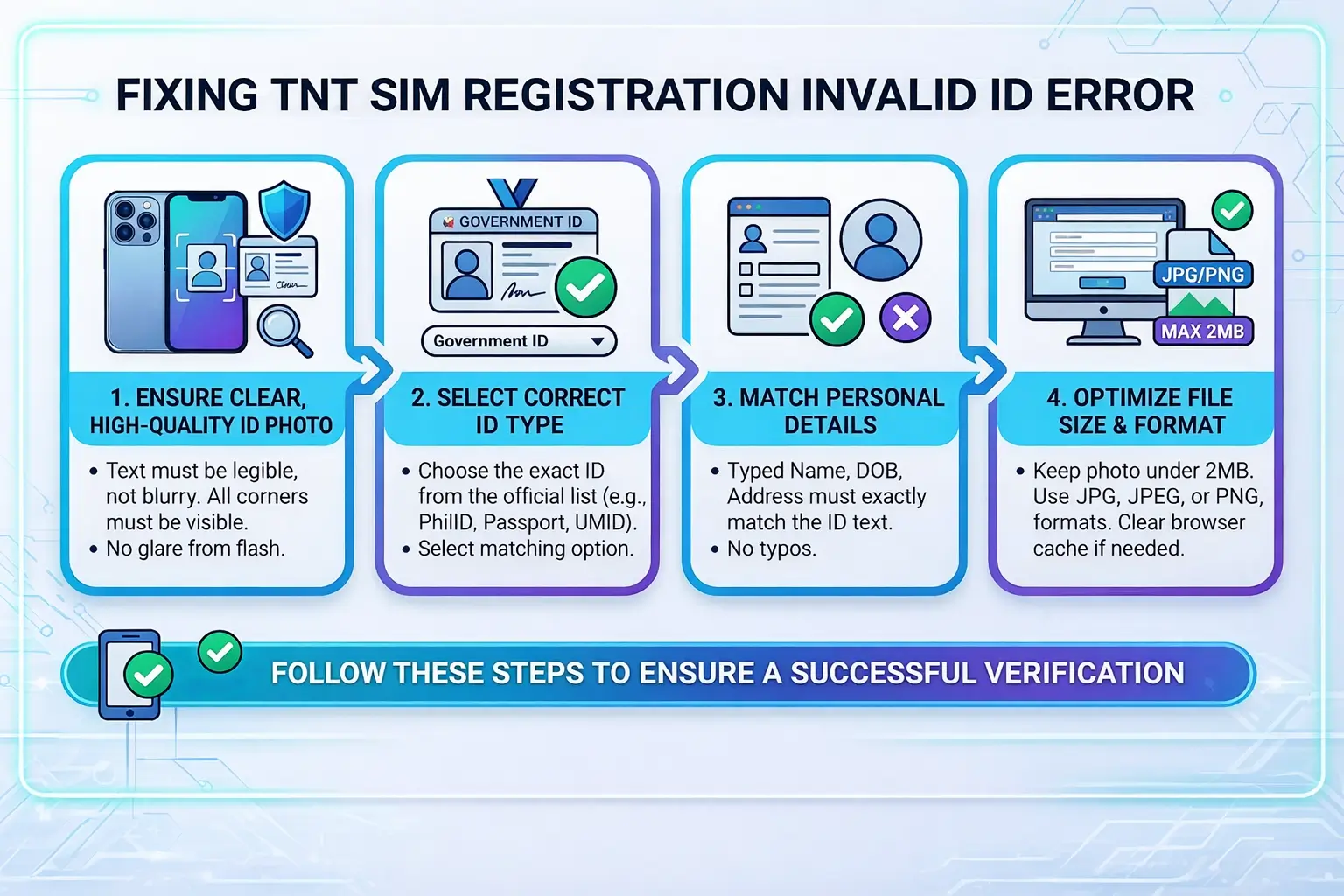
Hitting the TNT SIM Registration Invalid ID Error mid-registration is more common than you’d think. In most cases, it’s a small fixable issue — not a sign that anything is seriously wrong with your ID.
This guide walks you through exactly why this error appears and how to clear it fast.
What is TNT SIM Registration Invalid ID Error?
If you are encountering an “Invalid ID” or “Verification Failed” error while registering your TNT SIM, it usually means the system cannot validate your document or information. Follow these steps to fix the issue:
Check Your ID Photo Quality
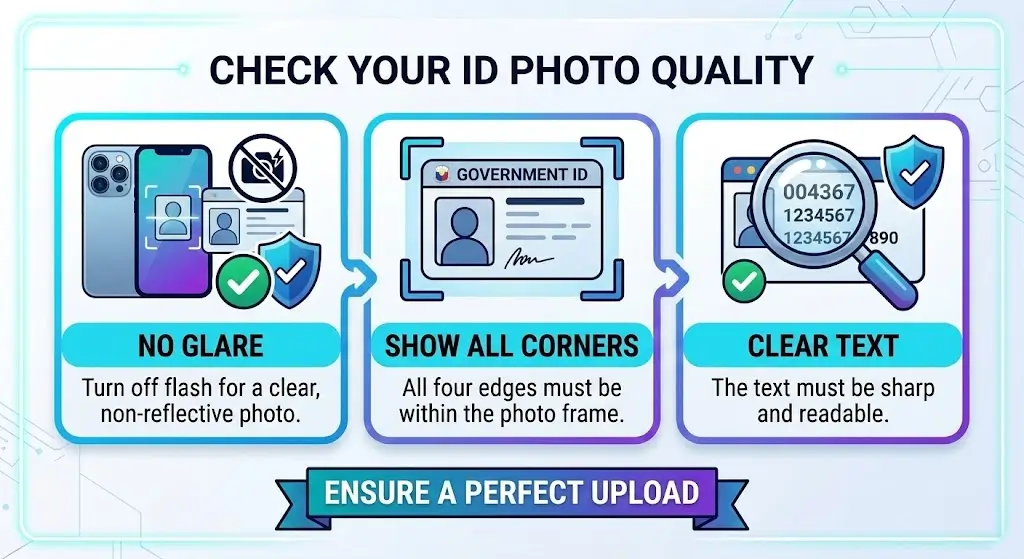
Most errors happen due to poor image quality.
- No Glare: Turn off your flash when taking the photo to avoid bright spots on the ID.
- Show All Corners: Ensure all four edges of the ID card are visible within the frame.
- Clear Text: The text must be sharp and readable. If it’s blurry, the system will reject it.
Select the Matching ID Type
Always choose the correct ID category from the drop-down menu.
- For example, if you are uploading a PhilID (National ID), ensure you select “PhilID” from the list. Selecting the wrong category is a common cause of the “Invalid ID” error.
Match Your Personal Details Exactly
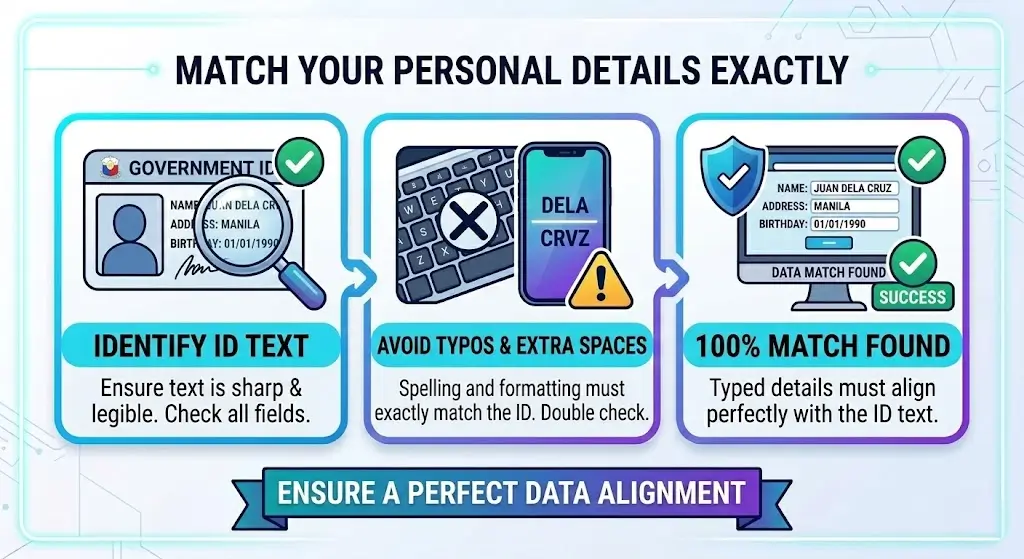
The information you type into the registration form (Name, Address, Birthday) must exactly match the text on your ID card.
- Avoid typos or extra spaces. Even a small spelling difference can cause a rejection.
Optimize File Size and Format
- File Size: Ensure your photo is under 2MB.
- File Format: Only use JPG, JPEG, or PNG formats.
Try an Alternate Browser
If the official portal is glitching:
- Clear your browser’s Cache and Cookies.
- Try using Incognito Mode or a different browser like Google Chrome, Brave, or Safari.
List of Accepted IDs:
For a smoother process, use these government-issued IDs:
- PhilID (National ID)
- Driver’s License
- Passport
- UMID Card
- Voter’s ID
- SSS ID
Pro Tip: If the error persists, reach out to TNT’s official Facebook page or dial *888 for direct assistance from a customer representative.
- Valid ID type submitted
- Correct personal information entered
- Clear photo or scan of the ID
- Matching details with government records
If any of these checks fail, the invalid ID error appears and your registration completed status stays on hold.
Common Reasons for TNT SIM Registration Invalid ID Error
Most cases of this error trace back to one of these common causes:
| Reason | Explanation |
|---|---|
| Unsupported ID Type | The ID submitted is not accepted by the TNT registration system |
| Blurry ID Photo | The system cannot read details from unclear images |
| Wrong Personal Details | Name, birth date, or ID number does not match |
| Expired ID | The ID document is no longer valid |
| System Verification Error | Temporary issue with the TNT registration server |
Accepted IDs for TNT SIM Registration
Using the wrong ID is one of the top reasons people hit the invalid ID problem. Always upload an approved government ID from this list:
| Accepted ID | Description |
|---|---|
| National ID | Official government identification card |
| Passport | Valid international travel document |
| Driver’s License | Government issued driving license |
| Postal ID | Postal service identification |
| Voter’s ID | Election commission issued ID |
Make sure your ID is clear, valid, and not expired before uploading.
How to Fix TNT SIM Registration Invalid ID Error
Work through these steps one by one:
1. Check Your ID Type Confirm your ID is on the officially accepted ID list before anything else.
2. Upload a Clear Photo Your ID photo must be:
- Well-lit with no shadows
- Showing all four corners
- Not blurred or pixelated
- With fully readable text
Avoid screenshots or cropped images – these get rejected almost every time.
3. Match Your Personal Information Double-check that your full name, date of birth, and ID number exactly match what’s printed on your ID. Even a single spelling mistake triggers the error.
4. Use a Valid and Unexpired ID Expired IDs are automatically rejected by the system – no exceptions.
5. Try Again After a Few Minutes Sometimes server verification delays on TNT’s end cause the error. Waiting and registering again often quietly fixes it.
TNT SIM Registration Tips to Avoid Errors
A few simple habits can save you from running into this error in the first place:
- Use a high-quality camera when capturing your ID photo
- Review your personal details carefully before submitting
- Only use official IDs – no altered or edited copies
- Never crop or edit the ID image in any way
- Keep your internet connection stable throughout the upload
When to Contact TNT Support
If the error keeps showing up after trying everything, reach out to TNT support directly. Contact them if:
- Your valid ID is still getting rejected
- The registration page keeps looping the error
- The system fails to verify your details multiple times
Customer support can manually check your case and guide you through the next steps.
FAQs
Conclusion
The TNT SIM Registration Invalid ID Error is a frustrating but fixable problem. In most cases, it comes down to a blurry photo, an unsupported ID, or a small mismatch in personal details. By following the steps in this guide – uploading a clear image, using an accepted government ID, and double-checking your information –
you can complete your TNT SIM registration without further trouble. And if nothing works, TNT support is always there to help you sort it out manually.