How to Share Data in TNT 2026?


 March 6, 2026 10:31 pm
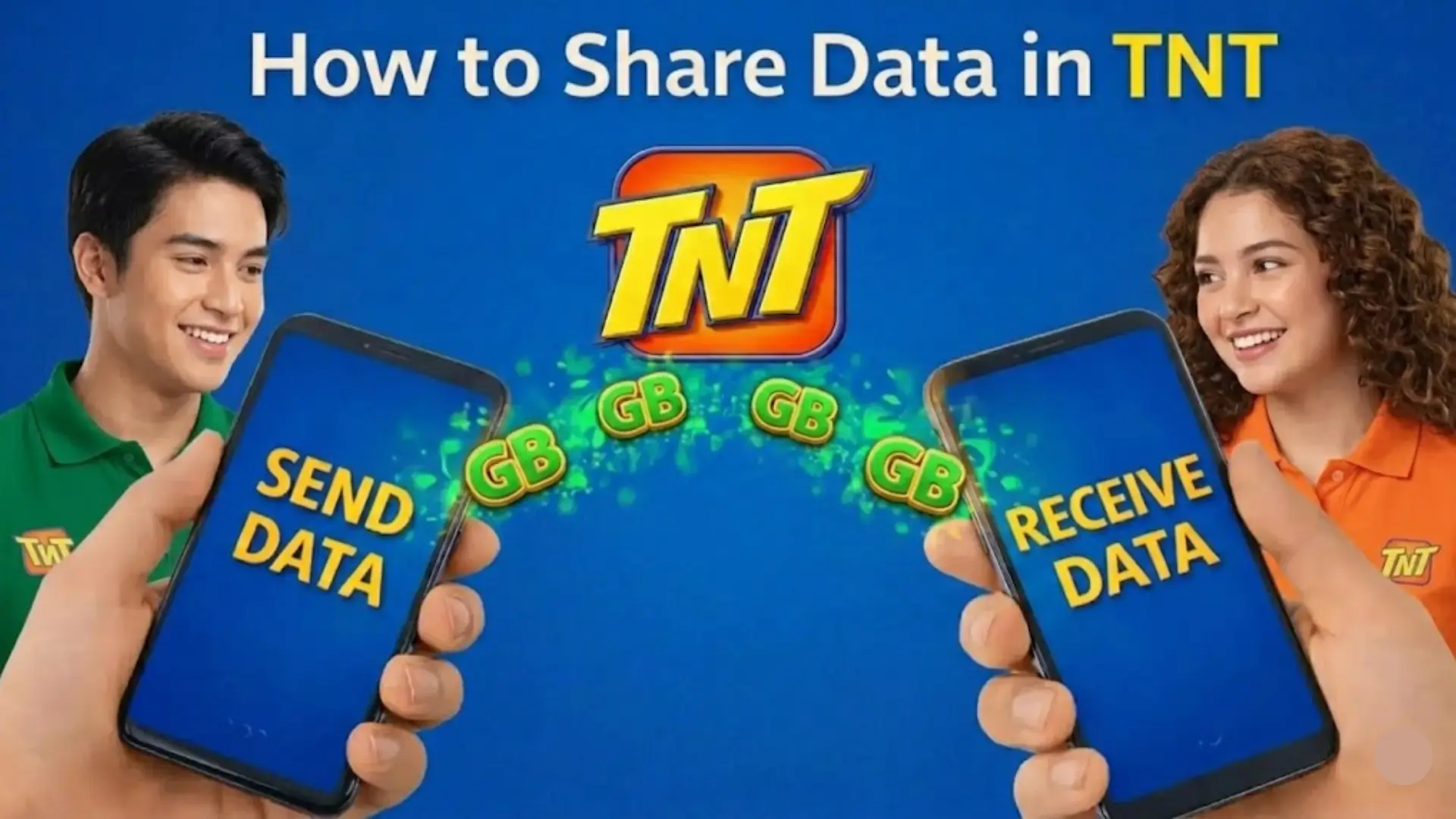
Sharing mobile data in the Philippines has become essential, especially for prepaid users who rely on daily internet access for school, work, online banking, and social media. If someone suddenly runs out of data, TNT (Talk ‘N Text) provides official and secure methods to transfer mobile data or load instantly without purchasing a new SIM or promo.
This guide explains the complete process of how to share data in TNT, including app-based sharing GigaShare PasaData PasaLoad supported promos, limits, fees, and important rules every user must know.
What is TNT Data Sharing?
TNT Data Sharing is a prepaid feature that allows subscribers to transfer part of their mobile data allocation to another TNT or Smart user. Instead of buying a separate promo, users can share unused MBs or GBs directly.
This feature is especially useful for:
- Students needing emergency data
- Family members sharing internet access
- Friends traveling together
- Work-from-home backup situations
Data sharing works through the official Smart App and selected promos that include shareable data.
Method 1: How to Share Data in TNT Using the Smart App
The safest and recommended method is through the official Smart App (formerly GigaLife App).
Requirements:
Step-by-Step Process:
- Open the Smart App on your smartphone
- Log in using your TNT mobile number
- Make sure you have an active promo with shareable data
- Tap the “Share Data” or “GigaShare” option
- Enter the 11-digit TNT or Smart number of the recipient
- Select the amount of data to transfer
- Confirm the transaction
Once completed, both sender and receiver will receive an SMS confirmation message.
Important Notes:
- Only shareable data can be transferred
- Shared data follows the original promo’s expiry date
- Transactions cannot be reversed
- Data must be available in main shareable balance
Method 2: How to Share Data Between Smart and TNT
Check If Your Promo Has Shareable Data
Before sharing, make sure:
- You are subscribed to a data promo with shareable data
- You have enough remaining MBs
- Your SIM is active (not expired or inactive)
Only the shareable portion of your data can be transferred.
Key Conditions:
- Both numbers must be active
- Sender must have sufficient shareable data
- Promo must still be valid
- System limits may apply daily
If your promo does not support shareable data, the app will not allow the transfer.
Method 3: How to PasaLoad in TNT
Dial the PasaData Code
To share data, follow these steps:
- Open your phone’s dialer
- Dial:
*123#
- Select PasaData from the menu
- Enter the recipient’s Smart or TNT mobile number
- Choose the amount of data you want to share
- Confirm the transaction
You will receive a confirmation SMS once the transfer is successful.
Alternative Method
You can also share data via SMS:
Format:
PASADATA <RecipientNumber> <AmountMB>
Example:
PASADATA 09XXXXXXXXX 100
Send this message to 808.
You will receive a confirmation message after approval.
What Happens Next?
- Sender receives confirmation SMS
- Receiver instantly gets the load
- A small service fee may apply
PasaLoad works for both TNT and Smart users.
Shareable TNT Promos
Some commonly supported TNT promos include:
- GIGA VIDEO 50
- GIGA STORIES 50
- PANALO DATA 30
- GAAN SURF 30
For Smart users:
- ALL DATA 50
- MAGIC DATA 99
Always check the Smart App for updated promo compatibility since offers may change.
Data Sharing Limits and Restrictions
To ensure fair usage, TNT applies certain rules:
- Data must come from shareable allocation
- Expired promos cannot transfer data
- Daily transfer limits may apply
- Data validity follows the sender’s promo expiry
- Transfers are non-refundable
- Both numbers must be prepaid
Users are advised to verify their remaining data balance before initiating transfers.
Difference Between TNT Data Sharing and PasaLoad
| Feature | TNT Data Sharing | PasaLoad |
| Sends | Mobile Data (MB/GB) | Regular Load (PHP) |
| Internet Required | Yes | No |
| App Required | Yes | No |
| Cross Network | Yes (Smart/TNT) | Yes |
| Expiry | Based on promo | Based on usage |
What Data Promos Are Compatible with PasaData?
TNT SIM Registration Online Through Portal
Not all mobile data promos can be shared through PasaData. To transfer MBs successfully, you must be subscribed to a promo that includes shareable data. Only the shareable portion of your data allocation can be passed to another user.
Below are the compatible promos listed in table format for both TNT and Smart users:
For TNT Users
| Promo Name | Description | Validity | Price (PHP) |
|---|---|---|---|
| GIGA VIDEO 50 | 1 GB shareable data + 1 GB/day for YouTube, NBA TV, iWantTFC & Cignal Play | 3 Days | 50 |
| GIGA STORIES 50 | 1 GB shareable data + 1 GB/day for Facebook, Twitter, Instagram, TikTok & Kumu | 3 Days | 50 |
| PANALO DATA 30 | 500 MB shareable data + 200 MB/day for Facebook | 2 Days | 30 |
| GAAN SURF 30 | 300 MB shareable data + 200 MB for Facebook, YouTube & Mobile Legends | 5 Days | 30 |
For Smart Users
| Promo Name | Description | Validity | Price (PHP) |
|---|---|---|---|
| GIGA VIDEO 50 | 1 GB shareable data + 1 GB/day for YouTube, NBA TV, iWantTFC & Cignal Play | 3 Days | 50 |
| GIGA STORIES 50 | 1 GB shareable data + 1 GB/day for Facebook, Twitter, Instagram, TikTok & Kumu | 3 Days | 50 |
| ALL DATA 50 | 2 GB shareable data | 3 Days | 50 |
| MAGIC DATA 99 | 2 GB shareable data | No Expiry | 99 |
FAQs About TNT Share Data
Conclusion
Understanding how to share data in TNT ensures you stay prepared in emergencies. Whether using the Smart App for GigaShare or dialing the USSD code for PasaLoad, TNT provides simple and reliable methods for prepaid users across the Philippines.
Before transferring data, always confirm that your promo includes shareable data and check your remaining balance inside the Smart App. By following the correct steps and conditions, TNT users can enjoy fast, secure, and convenient data sharing anytime.