TNT eSIM Registration Guide & Activation Steps 2026


 March 19, 2026 1:31 am
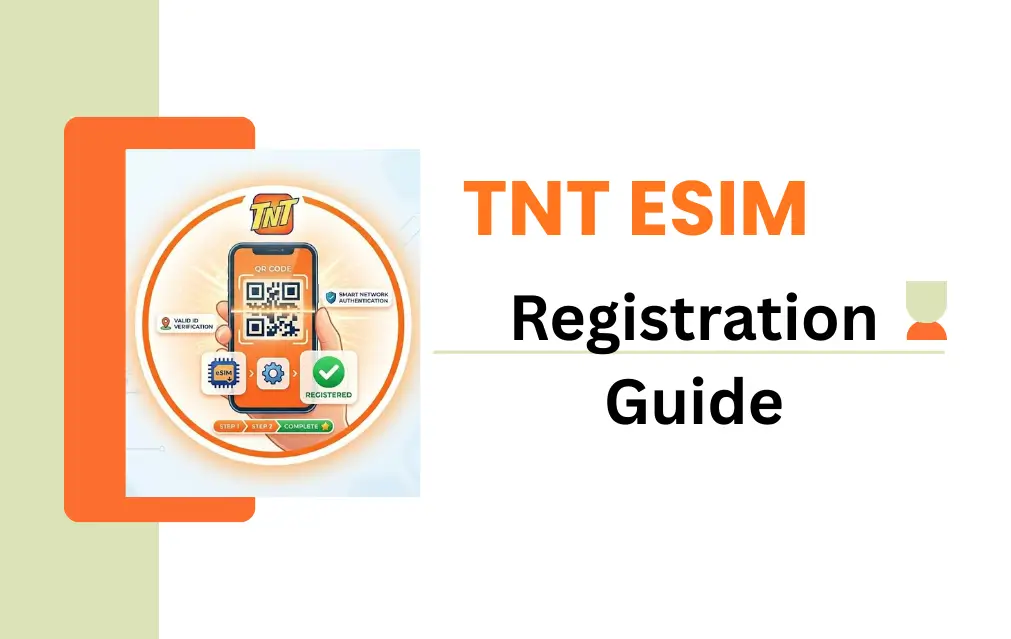
The days of physical SIM cards are quietly fading out. TNT eSIM gives Philippines-based Talk N Text users a faster, more secure way to stay connected – no plastic card, no slot, no waiting. If you are ready to make the switch or simply need to understand how the process works, this guide covers everything from compatibility to activation in plain, simple steps.
Whether you are upgrading from a traditional SIM or setting up TNT eSIM for the first time, the 2026 registration and activation process is straightforward – as long as you know the right steps in the right order.
What Is TNT eSIM?
TNT eSIM is a digital SIM built directly into your smartphone. There is no physical card involved – your device stores the SIM profile as software, which means no slot, no swapping, and no risk of losing a tiny plastic chip.
| Feature | eSIM | Physical SIM |
|---|---|---|
| Installation | Digital | Manual |
| SIM Swap | Easy (software) | Physical swap needed |
| Security | High | Medium |
| Device Space | No slot needed | Slot required |
| Activation Time | Instant | Can have delays |
| Sustainability | 100% eco-friendly | Plastic waste |
TNT eSIM Registration Requirements
Before you start, make sure you have everything ready. Missing even one item will stall the process mid-way.
- eSIM-compatible smartphone – iPhone XS or newer, Samsung S20 or newer, Google Pixel 4 or newer
- Stable internet connection – Wi-Fi preferred throughout the process
- Valid Government ID – Passport, PhilID, Driver’s License, UMID, Voter’s ID, PRC License, or Senior Citizen ID
- Active email address – To receive your QR code
- TNT eSIM QR code – From a Smart/TNT store or online store
How to Check If Your Phone Supports eSIM
Before purchasing, confirm your device is actually compatible using either of these two methods:
- Via Settings: Go to Settings → Cellular/Mobile Data → Add eSIM. If the option appears, your phone is ready.
- Via Dialer: Type
*#06#on your keypad. If an EID (Embedded Identity Document) number appears, your device supports eSIM. - TNT SIM Registration
Compatible devices include:
| Brand | Supported Models |
|---|---|
| Apple | iPhone XS, 11, 12, 13, 14 and newer |
| Samsung | S20, S21, S22, Fold series |
| Pixel 4, 5, 6 and newer |
TNT eSIM Activation & Registration
The process has two separate phases. Both are required – skipping Phase 2 means your eSIM will have no signal.
Phase 1 – Install the eSIM via QR Code
- Connect your phone to a stable Wi-Fi network
- Open Settings → Cellular/Mobile Data
- Tap Add eSIM or Add Data Plan
- Scan the TNT eSIM QR code provided
- Follow the on-screen prompts to download the cellular profile
- Wait for the eSIM profile to show as active in your settings
For iOS: Settings → Cellular → Add eSIM For Android: Settings → Connections → SIM Manager → Add eSIM
Phase 2 – Complete Mandatory SIM Registration (RA 11934)
Under the SIM Registration Act, your eSIM will not work until registered at the official portal.
- Visit simreg.smart.com.ph
- Enter your 11-digit TNT eSIM number
- Enter the OTP (One-Time Password) sent to your device
- Fill in your full name, date of birth, gender, address, and nationality
- Upload a clear photo of your valid ID and take a live selfie
- Review all details, accept the terms, and hit Submit
- Save the control number provided – you will need it for future reference
- SMS confirmation arrives within 24 hours
VIDEO GUIDE
Post-Registration Freebies
Once registration is confirmed, TNT rewards you automatically:
- 3GB free data added to your account within 24 hours – no manual claim needed
- Check your balance and registration status by dialing *123# or through the GigaLife App
TNT eSIM Registration for Foreigners
Tourists and foreign nationals can register too. The process is the same, with a few adjustments:
- Use your passport instead of a local government ID
- Provide your hotel address or any temporary local address in the Philippines
- Keep an active email ready for QR code delivery
- Visit simreg.smart.com.ph – the same portal handles foreign registrations
Common Issues & How to Fix Them
| Problem | Fix |
|---|---|
| QR code not working | Request a new code from the store or re-scan in better lighting |
| No signal after activation | Restart your phone, then toggle Airplane Mode on/off for 30 seconds |
| OTP not received | Wait 2 minutes, ensure network connection, then request resend |
| Activation failed | Check APN settings – set to smart.com.ph or internet.abs-cbn.com.ph |
| Number already registered | Call TNT support at *888 |
| Persistent activation errors | Update your iOS or Android to the latest version |
Security Tips for eSIM Users
Your QR code is your SIM – protect it like one.
- Never share your QR code with anyone
- Only use the official portal for registration and activation
- Avoid activating over public WiFi – use a private, secure connection
- Keep your phone lock enabled at all times
- If you factory reset your phone, select Keep eSIM before resetting – otherwise the profile may be deleted and you will need TNT support to re-send your QR code
Why Switch to TNT eSIM?
- No physical SIM means no loss, no damage, no manual swapping
- Fast activation – live connection within 5 to 10 minutes
- Higher security – removing or cloning an eSIM requires full device access
- Dual SIM support – run a physical SIM and eSIM simultaneously
- Eco-friendly – zero plastic, zero packaging waste
- Built for modern smartphones in 2026
FAQS
What is TNT eSIM? TNT eSIM is a digital SIM built into your smartphone. It replaces the physical plastic card with a software-based profile stored directly inside your device.
How long does TNT eSIM activation take? Activation typically takes 5 to 10 minutes from QR code scan to live connection, as long as you have a stable Wi-Fi connection throughout.
Is TNT eSIM free? In many cases there are no additional charges, though minimal fees may apply depending on your plan or conversion type. Confirm current pricing at the point of purchase or through the official Smart/TNT portal.
Can I use dual SIM with TNT eSIM? Yes. You can run both a physical SIM and an eSIM at the same time on supported devices — ideal for managing two numbers on one phone.
Can I convert my existing TNT SIM to an eSIM? Yes. Visit any Smart Store and request a SIM-to-eSIM conversion. They will issue a QR code that replaces your physical chip with a digital profile – same number, new format.
What happens to my eSIM if I factory reset my phone? A factory reset may delete your eSIM profile. Before resetting, choose the Keep eSIM option if available. If the profile is lost, contact TNT support to have the QR code re-sent.
What should I do if I get “No Service” after activation? Restart your phone first. If the issue continues, toggle Airplane Mode on for 30 seconds then off to force a network refresh. If it still does not resolve, check your APN settings or contact TNT at *888.
Can foreigners and tourists use TNT eSIM? Yes. Foreign visitors can register using their passport and a temporary local or hotel address in the Philippines. The registration portal and activation steps are the same.
Where do I register my TNT eSIM? Register at the official portal: simreg.smart.com.ph
Do I get free data after registration– Yes 3GB of free data is automatically added to your account within 24 hours of successful registration.
Conclusion
TNT eSIM is a practical upgrade for anyone still carrying a physical SIM card. The registration process is manageable, the activation is fast, and the security benefits are real. Once your eSIM is live and registered, you get a more stable, more flexible, and genuinely modern connection – with 3GB of free data thrown in on top. The switch is worth making.
Azlan Tareen
Azlan Tareen is a TNT SIM registration specialist with over 4 years of experience in the Philippine telecom sector. He focuses on TNT SIM activation, Smart services, APN settings, PUK codes, and mobile loading through GCash. Azlan shares practical guides to help users manage TNT services easily. Connect with him on LinkedIn or explore his telecom insights online.